
Overview
One user account manages cards, payments, and account settings, so the safest approach is to use the real primary email of the person running the project.
Quick Facts
Best used when
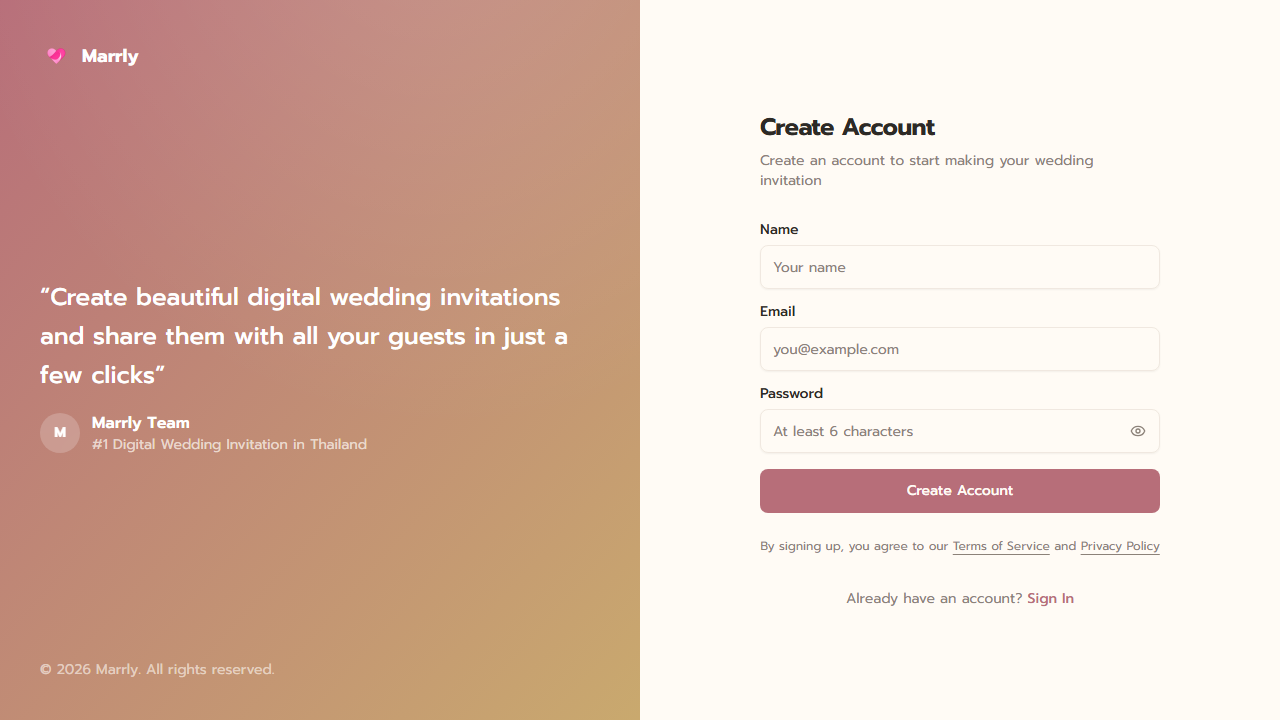
Use this article when you do not have a Marrly account yet or need a quick refresher on how to sign back in with an existing account.
Menu path
Home > Sign up / Sign in
Estimated time
3 min read
Before You Begin
- Prepare a real email address that you actively use.
- Choose a secure password that the main account owner can remember.
Steps
- 1
Open the registration page
Click the getting-started button from the home page or go directly to the sign-up screen.
- 2
Fill in your name, email, and password
Double-check the email address because Marrly links the account, cards, and orders to this address.
- 3
Finish registration and enter Dashboard
After a successful sign-up, Marrly takes you to the main workspace so you can start creating a card immediately.
Common Mistakes
Result
You have a working account and can enter Dashboard whenever you need to create or manage cards.