
Overview
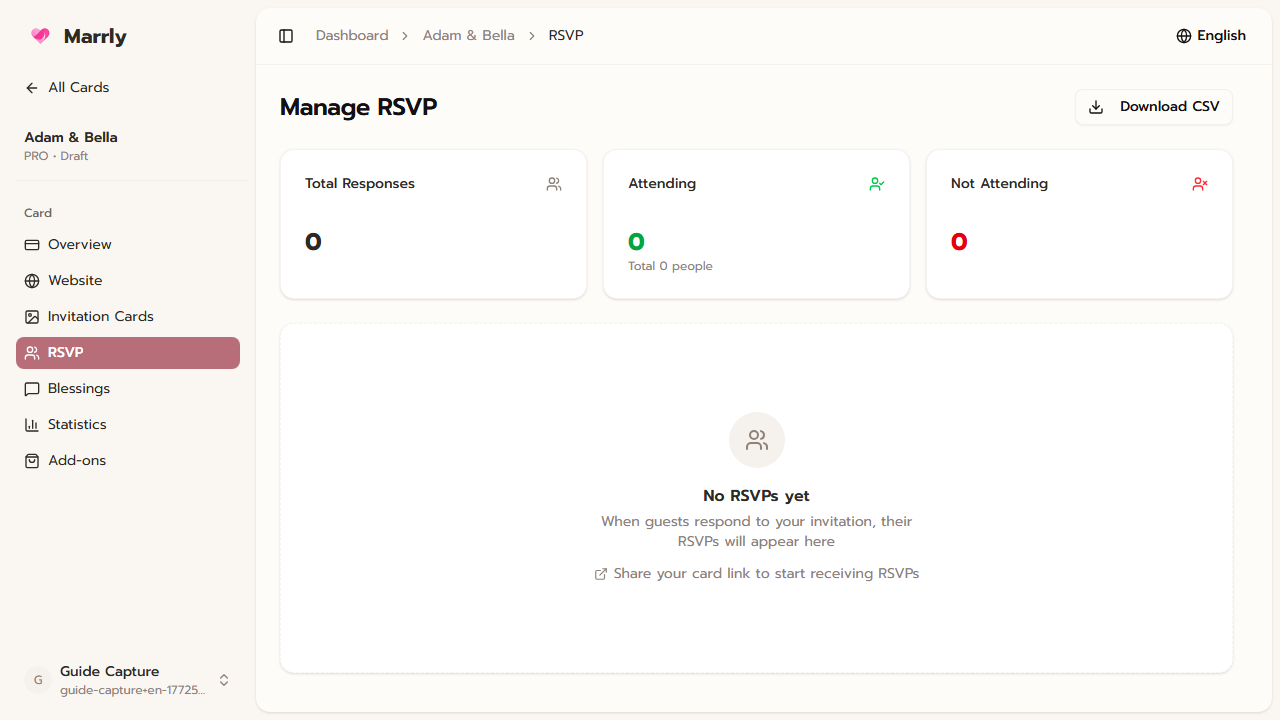
The RSVP menu shows responses submitted through the website card so you can see who has replied, how many guests are coming, and who still needs a follow-up.
Quick Facts
Best used when
Use this article after you start sharing the card and need a single place to monitor responses.
Menu path
Dashboard > Select card > RSVP
Estimated time
3 min read
Steps
- 1
Open the RSVP menu of the target card
Choose the correct card first, then open RSVP to review the response data for that specific event.
- 2
Review totals and individual records
Use both the overall counts and the guest-by-guest list to plan seating, meals, or favors.
- 3
Follow up with guests who have not replied
If the response rate is still lower than expected, use the list of pending guests as the next follow-up queue.
Result
You can use RSVP as the main source of truth for guest tracking and event planning.