
Overview
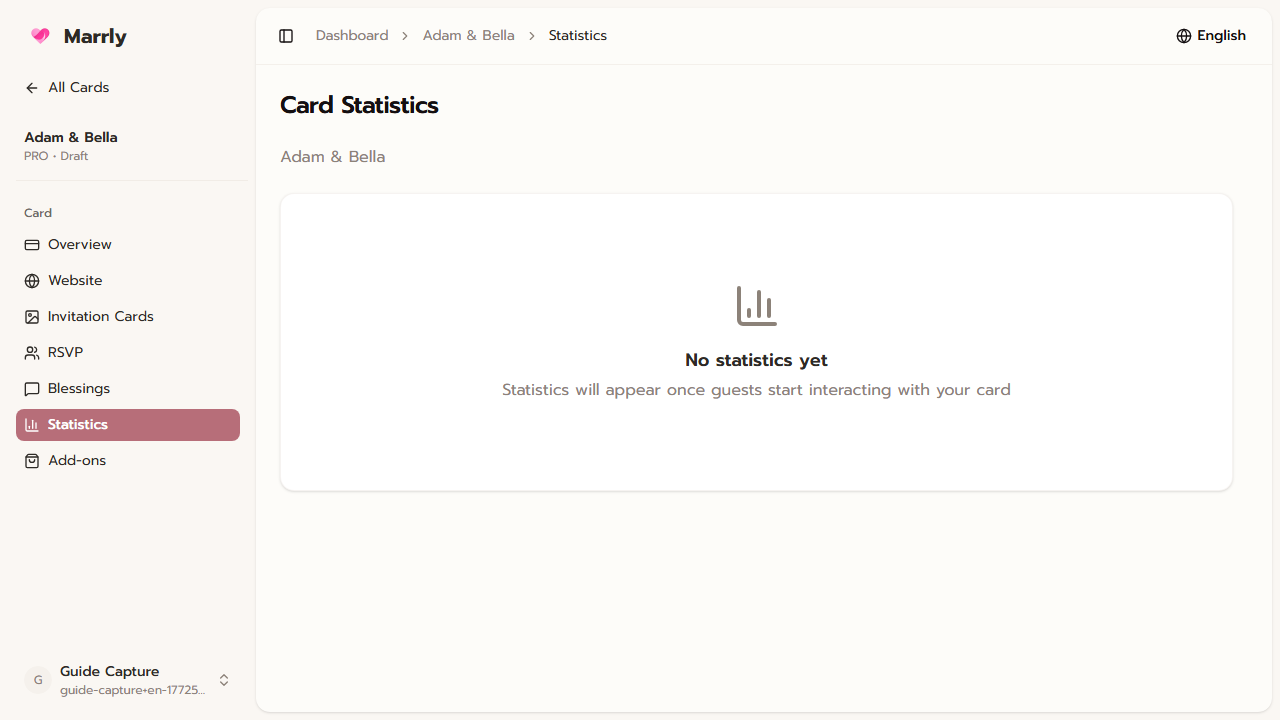
Stats helps you see how often the card is opened, how much guests engage through RSVP or blessings, and whether you should keep pushing the link through other channels.
Quick Facts
Best used when
Use this article after sharing the card when you want to measure whether guests are actually opening it and taking action.
Menu path
Dashboard > Select card > Stats
Estimated time
3 min read
Steps
- 1
Open the Stats page of the target card
Choose the specific card you want to measure so the numbers match the event you are tracking.
- 2
Review views and sharing activity
These metrics show how widely the card is being opened and passed along.
- 3
Compare the numbers with RSVP or Blessings
If views are high but responses are still low, guests may have seen the link but not completed the next action yet.
Result
You can read the card metrics and use them to plan communication before the event.