
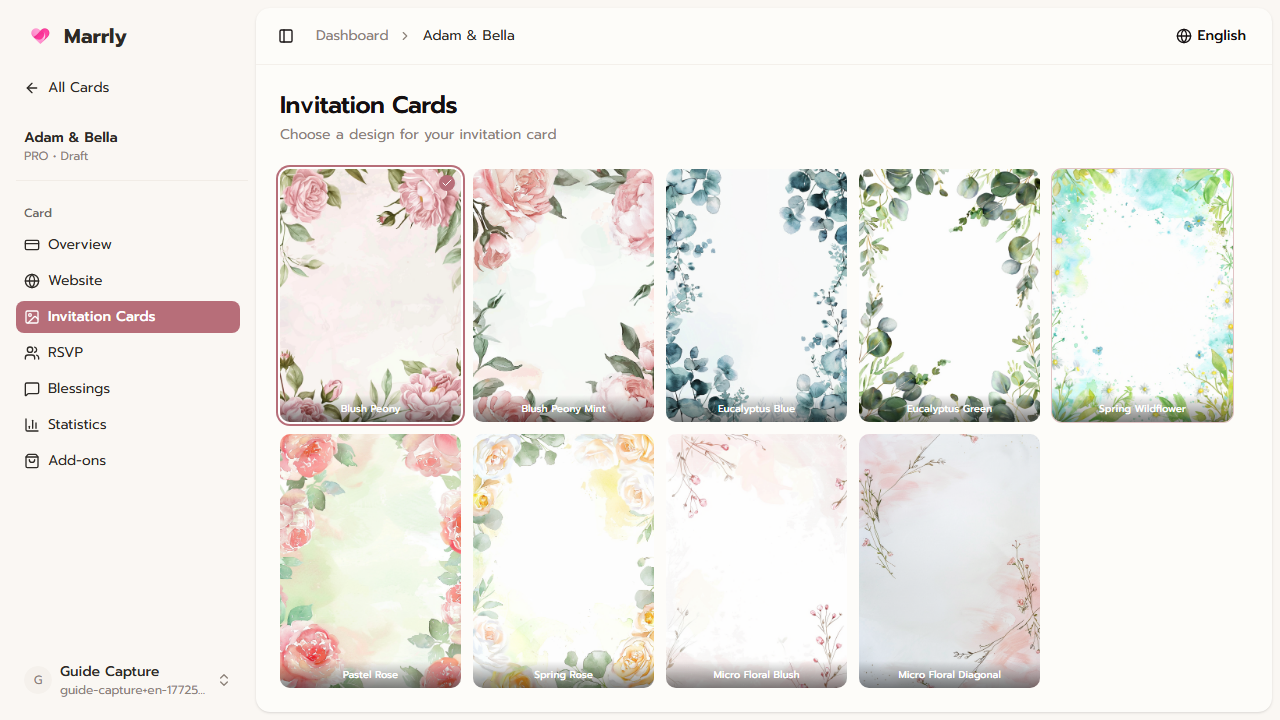
Overview
Flat cards are single-image invitations that work well for quick sharing through messaging apps or social media. Use this menu to review existing flat cards, adjust their text, and prepare a share-ready asset.
Quick Facts
Best used when
Use this article when you want to create or revise a single-image invite connected to the main wedding project.
Menu path
Dashboard > Select card > Flat Cards
Estimated time
3 min read
Steps
- 1
Open the Flat Cards menu from the main card
This menu manages the single-image invitation assets related to the same event. It does not replace the website-card screens.
- 2
Choose the flat card you want to edit
If you have multiple flat cards, pick the correct one from the list before editing text or design elements.
- 3
Check the important text before sharing
Always verify the couple names, event date, and venue details against the website-card version before sending it out.
Common Mistakes
Result
You can manage flat cards in the right place and understand how they work alongside the website card.